Why it's better to use a download manager for large files?
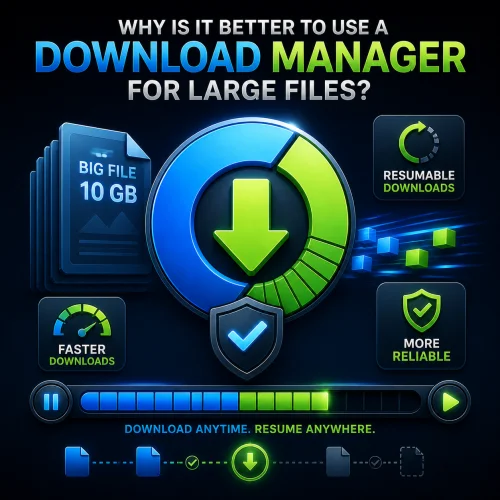
When a file is large, downloading it directly through a browser is often less reliable. A download manager splits the transfer into segments, can resume downloads after interruptions, and generally performs more reliably on slow connections.
What a download manager offers
The main advantage is resume capability. If a download is interrupted at 80%, you don’t have to start over: the manager will pick up where it left off.
Another plus is better handling of large files and long downloads. Such programs often use segmented transfers, which helps reduce the risk of failures due to timeouts, proxies, and temporary network errors.
Why It’s Convenient
A download manager is useful when you’re downloading videos, archives, ISO images, or other large files. It lets you control the speed, pause downloads, and distribute traffic more predictably.
For the user, this means less wasted time and a lower chance of ruining the download due to an accidental interruption. For large files, this is usually more important than a slight speed boost at the start.
Quick Summary
If the file is small, a browser is usually sufficient. But for large files, a download manager is better because it’s more reliable, more resistant to crashes, and more convenient for everyday use.